With Tap to Pay on iPhone and Stancer, you can accept all types of in-person and contactless payments directly on your iPhone, whether they come from bank cards, Apple Pay, or other digital wallets. No terminal or additional hardware is required.
This technology is revolutionizing the way you, as merchants, interact with your customers, offering more simplicity, security, and efficiency throughout the shopping experience.
What is Tap to Pay on iPhone?
Tap to Pay on iPhone is a feature that lets you accept contactless and in-person payments using simply your iPhone, with no payment terminal needed.
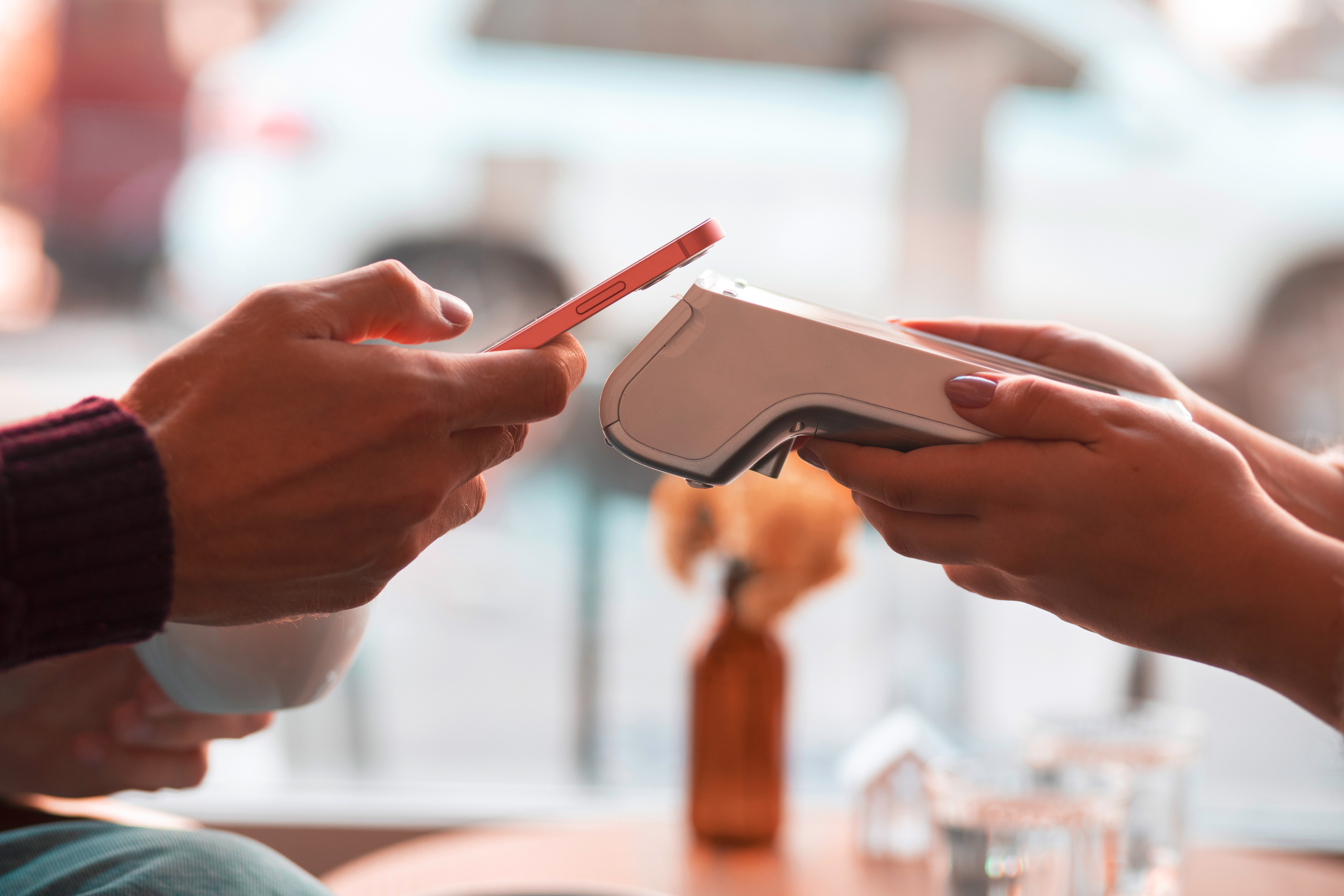
You can now accept payments by bank card, Apple Pay, and other digital wallets simply by holding your iPhone near your customer's payment method.
Tap to Pay on iPhone leverages the security and privacy features built into the iPhone to protect your customers' data. When a payment is being processed, the code and card numbers are never stored on the device or on Apple's servers.
While Tap to Pay on iPhone is in use, all photo, video, and screenshot recording capabilities are disabled on your iPhone, guaranteeing the security of your customers' banking data.
How to set up Tap to Pay on iPhone with Stancer?
Using Tap to Pay on iPhone is as simple as this:
-
Create your Stancer account if you haven't already.
-
Download the Stancer mobile app.
-
Open the Stancer app on your iPhone and enter the purchase amount.
-
Select "Tap to Pay on iPhone" as the payment method and hold your iPhone out to the person who wants to pay.
-
They should place their card horizontally on the top of your iPhone, above the contactless symbol.
-
Once the card is read and the transaction is initiated, a checkmark with the "OK" label appears on the screen.
And that's it! You've just accepted your first payment with Tap to Pay on iPhone.
Des questions ? Contactez-nous dès maintenant. Questions? Contact us now.