Are you ready to dive into e-commerce but don't know which tools to choose to get started? Faced with the multitude of options, identifying the tools that perfectly meet your needs can be difficult.
We have selected high-performing, easy-to-use, and flexible tools to ensure the success of your online business.
Whether you are just starting to create your online store or looking to optimize an existing platform, choosing the right tools will not only simplify your daily management but also multiply your chances of success.
Step 1: Define Your Niche and Your Product
For those wondering how to get started in e-commerce and how to create their own online store, the first crucial step is to clearly define what you want to sell. In-depth market research will help you identify a specific niche or an unmet need. Use this information to enrich your business plan and ensure that your offer aligns with the expectations of your future customers.
Google Trends is a valuable tool for this task, allowing you to visualize the popularity of topics and products and spot market trends.
Step 2: Choose the Ideal E-commerce Platform
To open your own online store, the choice of e-commerce platform is crucial. Make sure also to choose a relevant domain name and maintain an up-to-date legal status to meet legal requirements and ensure the sustainability of your project.

PrestaShop is a free, open-source e-commerce platform, specifically designed to allow you to create an online store easily. It lets you easily customize your e-commerce site and add the necessary features thanks to a wide selection of available modules.

Magento (Adobe Commerce) is another robust open-source solution for creating an online sales website. This open-source platform is particularly suitable for medium to large enterprises, but it is also flexible for small businesses and startups. It offers very powerful customization and extensibility options and excels in managing products and orders at scale.

WooCommerce is a free WordPress plugin that transforms your site into an online store. Ideal for those already familiar with WordPress, WooCommerce is easy to install and configure. It offers many extensions to customize your store and add advanced features, making it a flexible and scalable option for small and medium-sized businesses.
Step 3: Integrate a Payment Module
After setting up your online store on the chosen platform, it is crucial to select a reliable and secure payment module.

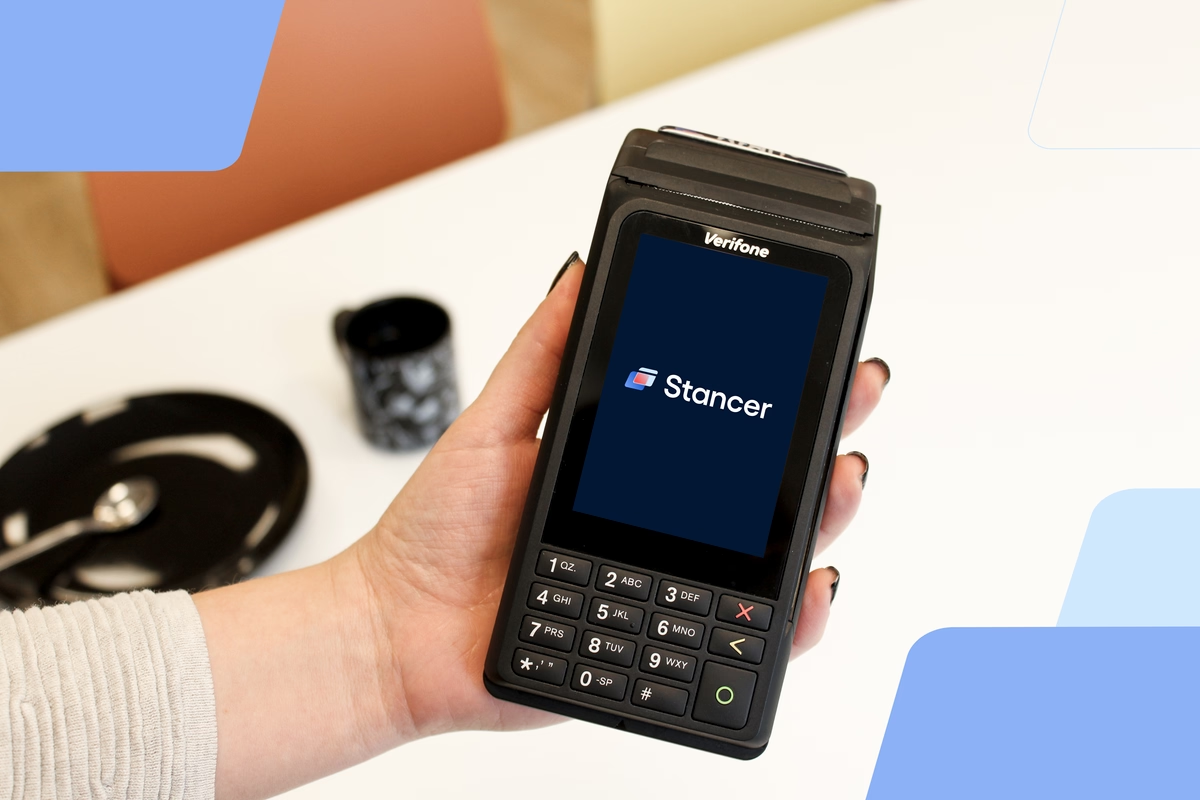
Stancer is an excellent option for securing your online transactions. Specifically designed for small businesses, Stancer offers enhanced security, competitive pricing, and easy integration into your site. This payment module secures your transactions and facilitates purchasing for your customers, thereby contributing to the success of your online store.
Step 4: Improve Internal Communication
Efficient team management is essential for the smooth running of your online store.

Slack is an instant messaging software known for improving team collaboration. As a complete and free solution, it allows secure and private communication, ensuring the total confidentiality of your data. Perfect for real-time exchanges, it facilitates task synchronization and information sharing, thus boosting your team's productivity.
Step 5: Implement an Effective CRM
To effectively manage your customer relationships, it is essential to choose a CRM suited to your structure and specific needs.

HubSpot CRM is the ideal choice for small businesses that have just started. Free and easy to use, this CRM centralizes all your customer interactions, offering a complete 360-degree view. With its robust features and intuitive interface, it allows you to track leads, automate tasks, and improve customer satisfaction with no initial cost.
Step 6: Organize Logistics and Inventory Management
A good inventory management system is necessary to maintain inventory balance and facilitate order management.

Odoo is a free all-in-one software that allows you to track inventory levels in real time, but also automate orders and fulfillment processes. Thanks to its integrated barcode scanner app, Odoo simplifies deadline management and optimizes restocking, ensuring smooth and efficient logistics management for your business.

Magento (Adobe Commerce) offers a robust solution for inventory management, including multi-warehouse management that facilitates inventory tracking across multiple sites. This platform also allows for in-depth customization to adapt logistics processes to the specific requirements of businesses, especially large ones.

WooCommerce offers specific extensions for inventory and logistics management. As a WordPress plugin, it allows easy integration with third-party tools to automate inventory and order management, making logistics accessible and adaptable for small and medium-sized businesses.
Step 7: Find and Manage Suppliers
Knowing how to find suppliers for your online store is an essential aspect of your e-commerce success.

Odoo also offers powerful tools to facilitate supplier management. You can track purchase orders, automate the restocking process, manage supplier invoices, and analyze supplier performance, thus ensuring optimal and efficient management of your business relationships.
Magento (Adobe Commerce) facilitates the integration of suppliers into your logistics system with tools to automate purchase orders and manage invoices, thus optimizing procurement processes and supplier relationship management.

WooCommerce, with its dedicated extensions, allows easy management of purchases and supplier relationships. These tools help automate restocking and track orders, facilitating sourcing and supplier management to improve the efficiency of your online store.
Step 8: Optimize Project Management
To successfully create your own online store, good project management is a key element.

Trello is a project management platform based on the Kanban board system, which helps visualize your project's workflow. With a free version and an intuitive interface, it facilitates task organization, collaboration among team members, and real-time progress tracking.
Step 9: Boost Customer Engagement Through Marketing Automation
To boost customer engagement and optimize your marketing campaigns, it is crucial to choose the right automation tools.

HubSpot stands out as an essential platform in this area. Affordable and easy to use, even for beginners, it offers extended features covering various aspects of marketing, including social media management, email campaigns, content creation, lead tracking, and much more.
Step 10: Strengthen SEO for Better Visibility
Mastering SEO is fundamental to increasing the visibility of your online store on search engines.

Google Analytics provides the necessary tools to analyze your website traffic and improve your SEO. It helps you attract more visitors and optimize your marketing campaigns.
By following these steps and using these tools, you will be ready to create and grow your online store. By integrating secure payment modules, selecting the best online sales platforms, and optimizing your SEO, you will maximize your chances of selling products and increasing your revenue.